

A tradie website gives referred customers a place to check your services and work before they call. Its most useful job is to explain whether you are suitable for their project and what information you need to respond.
Show the work you actually take on
List the services you provide in plain language. Explain relevant limits such as job type, access requirements or service areas. Include qualifications or licences only where they are accurate and relevant.
Use genuine project photographs with permission. A short caption can explain the job type and what the photo shows. Do not present stock imagery as completed work.
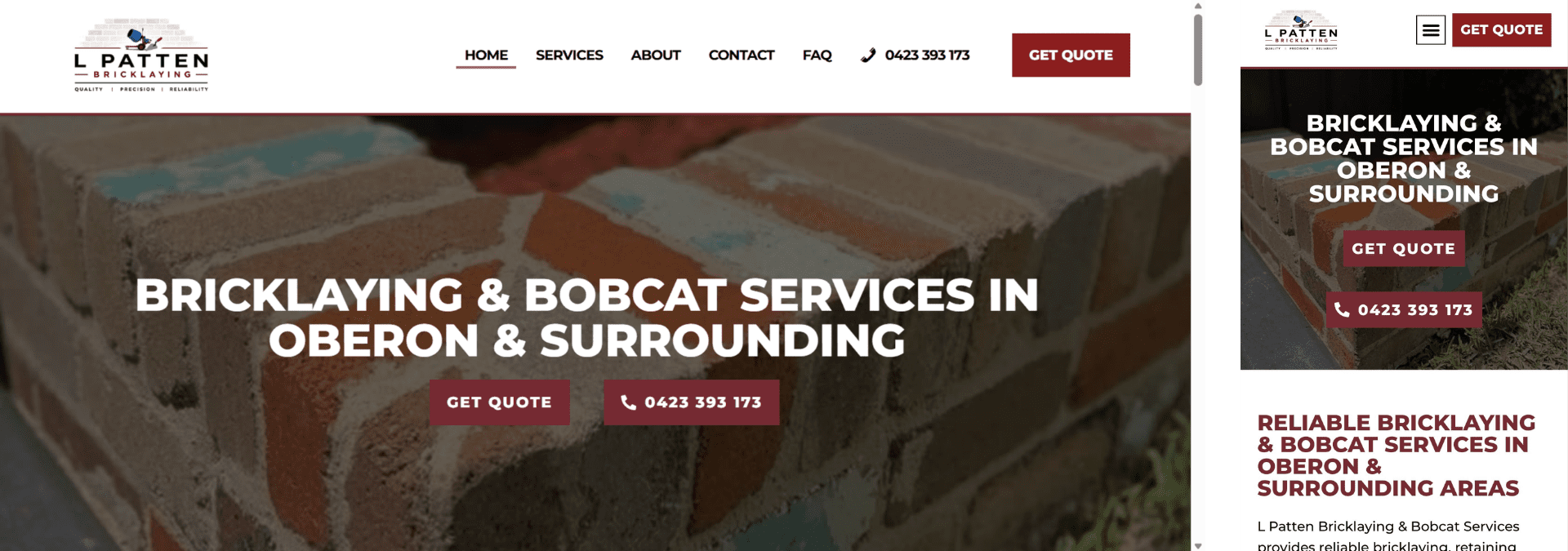
Make quote requests easier to assess
Tell customers what helps you prepare a response: the job location, type of work, useful measurements, photographs and preferred timing. Ask only for information you actually use.
A form can receive an enquiry outside working hours without implying that you provide emergency service or immediate replies. State those arrangements accurately.
Explain the service area without repetition
State where you work and link to relevant project examples. A local page should help a customer understand the service, rather than repeat the same description with a different town name.
Check that public business profiles and the website use current phone numbers, links and operating details.
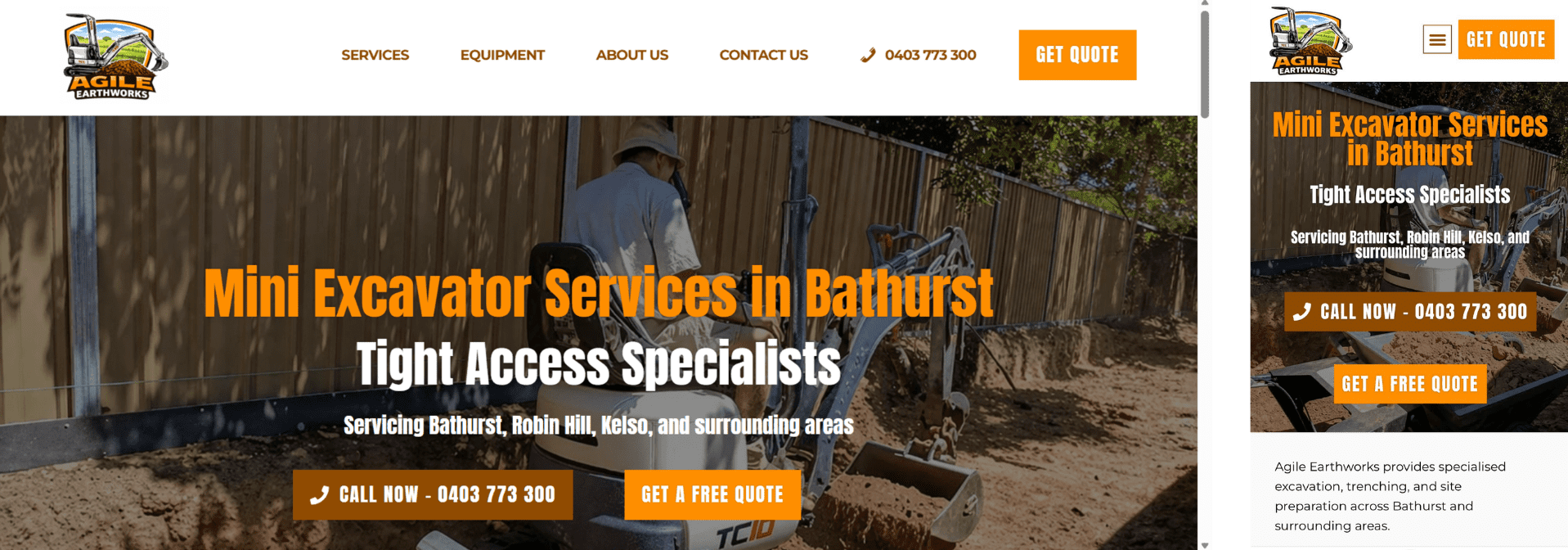
Test the website from a customer’s phone
Find a service, look at a project and follow the contact route. Check the menu, phone link, form fields and any confirmation message. Confirm that submitted enquiries arrive in the correct inbox.
Keep it useful after launch
Update service information when the business changes, remove expired offers and add project examples that demonstrate the work. Keep the site linked from the public profiles you maintain.
A website can support word of mouth and other channels. It does not guarantee a flow of jobs. The project portfolio shows examples of how different service businesses present their work.
