

An older website does not always need a full rebuild. First identify what is causing trouble: outdated information, difficult editing, a layout that breaks on phones or an enquiry route that no longer works.
List the problems before choosing a new look
Pick the pages customers use most. Check their service details, contact information and links. Ask someone unfamiliar with the business to find a service and explain how they would enquire.
Record specific problems rather than descriptions such as “it looks old”. A heading that wraps badly, a missing service answer and a failed form are things you can fix and check.
Keep useful content and links
Before changing the structure, record the current pages and the purpose of each one. Keep valuable service information and genuine project examples. If a page address needs to change, plan where visitors using the old address should go.
Review existing search and enquiry information where it is available. It helps you decide which pages deserve particular care during the change.
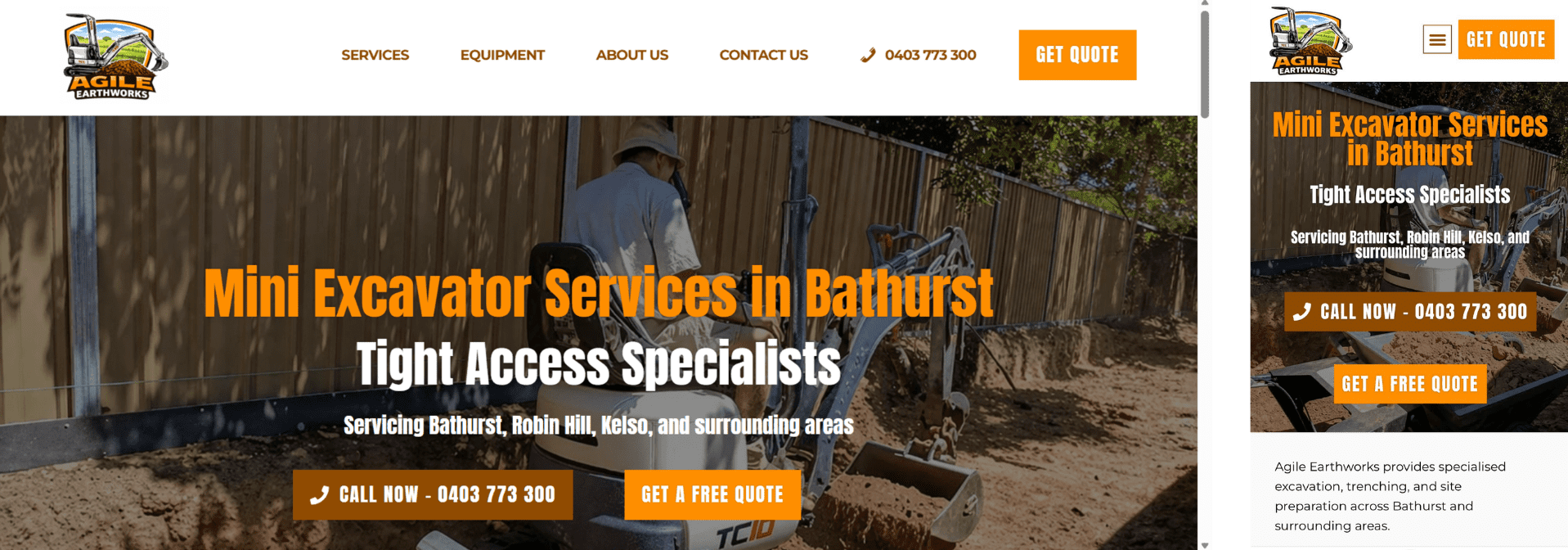
Make the new version easier to maintain
Agree who will update text, images and business details after launch. Ask for a demonstration of the editing process and keep handover information with your business records.
Use consistent page layouts so later additions fit the rest of the site. Choose features because they support the customer journey, rather than because they are fashionable.
Check before and after launch
- Review the main pages on a phone and computer.
- Test the menu, internal links and contact routes.
- Confirm form messages reach the correct inbox.
- Check that important existing page addresses still lead somewhere relevant.
- Verify current business details and any prices shown.
A redesign is useful when it fixes identifiable problems. It does not automatically produce more traffic or enquiries. If you need help assessing the scope, see the website redesign information.
