

A website can support sales by helping people understand an offer and complete the next step. It is one part of the business process: design alone does not guarantee traffic, purchases or enquiries.
1. Help customers assess the offer
Explain the service or product clearly. Give relevant details, show genuine examples and use current contact information. A polished appearance can make information easier to follow, but it does not establish the quality of a business by itself.
Use testimonials faithfully and include badges only when the business is entitled to display them.
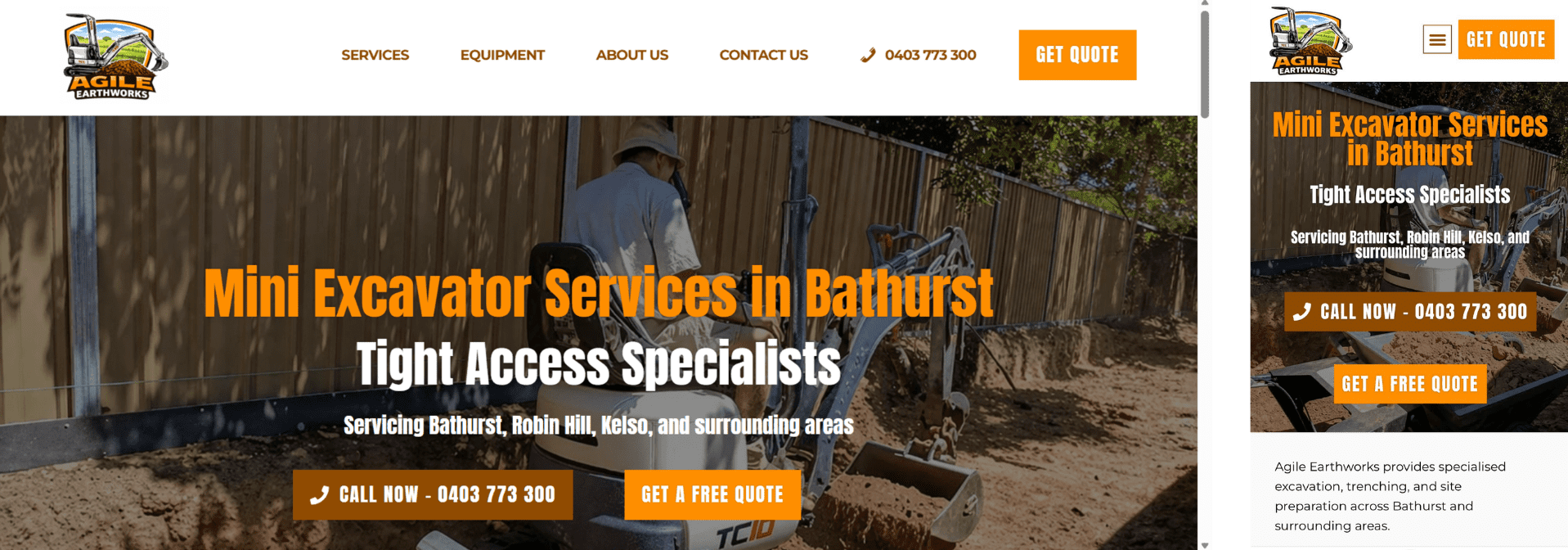
2. Make information available outside working hours
Visitors can read service details and send enquiries when it suits them. Make response arrangements clear. Receiving an enquiry overnight does not mean you are offering immediate support or emergency work.
For an online shop, check that stock, delivery and returns information is available before checkout.
3. Give each offer a useful destination
A clear service or product page gives search visitors, social followers and referred customers somewhere relevant to arrive. Use descriptive headings, answer practical questions and link related information.
A published page still needs to be discovered and found relevant. Avoid treating a new design as an automatic search ranking improvement.
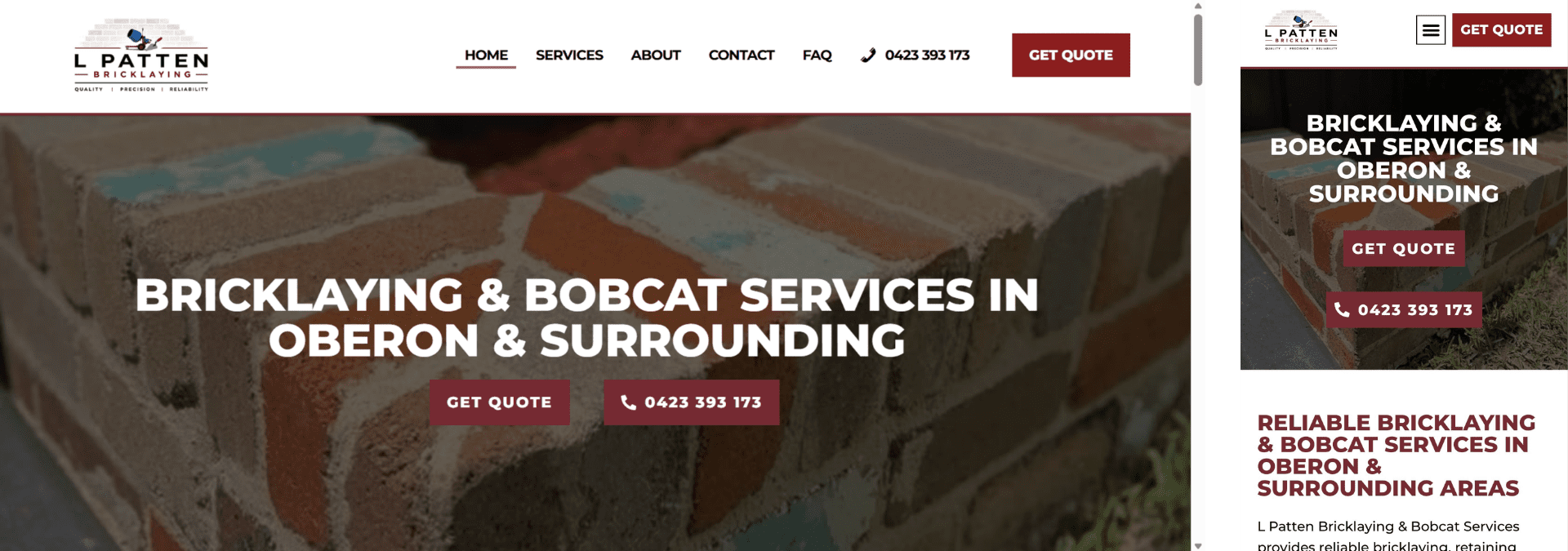
4. Remove obstacles from the enquiry route
Follow the task on a phone. Can you find the right service, understand what information is needed and send an enquiry? Check confusing labels, difficult form fields and buttons that lead to the wrong place.
Confirm that messages reach the intended inbox and that the success message explains the next step accurately.
5. Match booking or payment tools to the business
Define the requirements before adding a tool. A booking process may need availability rules, confirmations and cancellations. A shop needs product, payment and delivery requirements agreed in advance. Check ongoing costs as well as setup work.
Review the path to an enquiry
1. Find
Can the visitor reach the right page?
2. Understand
Does it answer the important questions?
3. Decide
Are the scope and next step clear?
4. Complete
Does the enquiry or checkout work?
Measure the outcome you need
Keep a record of suitable enquiries, bookings or sales and the questions people still ask. Improve the page where information is missing. The useful result is a clearer customer journey, with business outcomes assessed from actual evidence.
