

Simple web design helps visitors focus on the information and action they need. It is less about making every page sparse and more about removing things that interrupt the task.
Give the page a clear order
Start with a heading that explains the topic. Put the most useful information early, then group related details under descriptive headings. Keep paragraphs focused on one point.
For a service page, a useful order might be: what the service covers, who it is for, how it works, relevant examples and how to enquire. Change that order when the customer’s task requires it.
Use a small, predictable menu
Choose labels visitors recognise. Put related services together and avoid giving the same destination several different names. Add a search tool when the content genuinely needs one.
Use images with a purpose
An image can show a project, explain a process or make a comparison easier to understand. If it adds no information and pushes the answer further down the page, consider removing it.
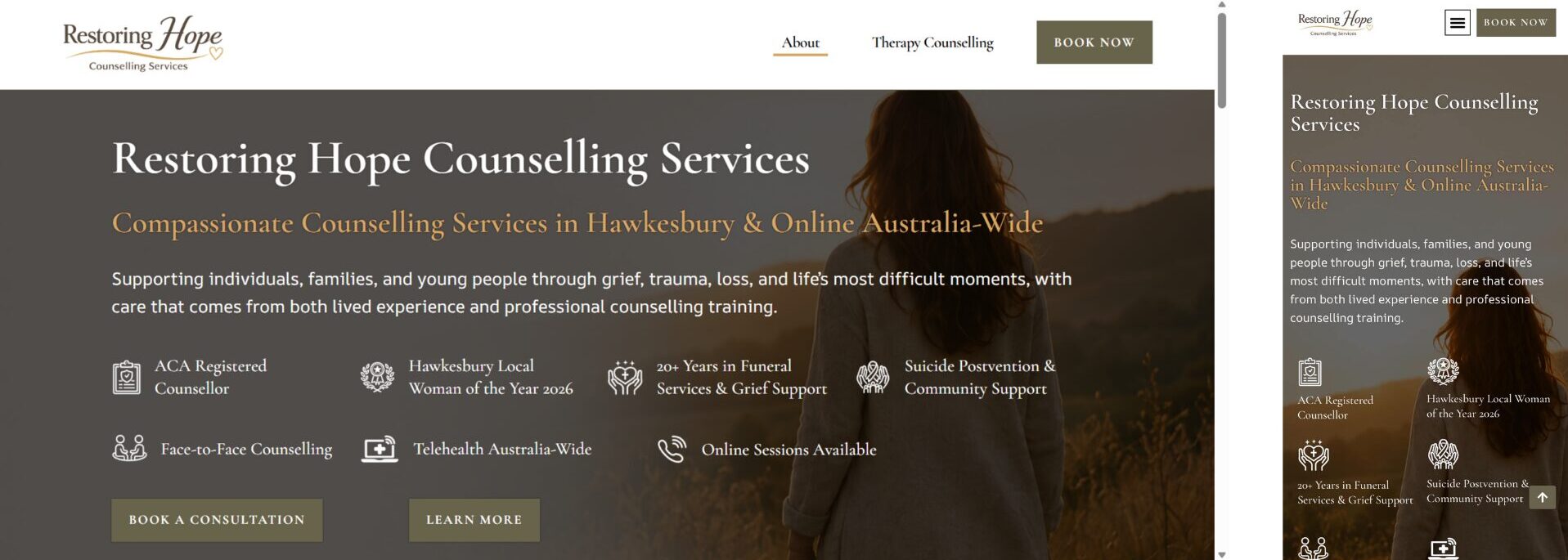
Check the mobile layout separately
A clean desktop page can still be awkward on a phone. Check heading wraps, text size, image width, menus and form fields. Follow the task from beginning to end rather than judging only the first screen.
Simple does not automatically mean accessible
A restrained layout still needs readable contrast, labelled controls, sensible heading order and keyboard testing. Review those details as part of the design, rather than assuming a minimal appearance covers them.
Try removing one distraction
Choose a page and identify its main purpose. Then remove or move one element that competes with it: an unrelated banner, repeated sales prompt or decorative section. Check whether the answer is easier to find.
