
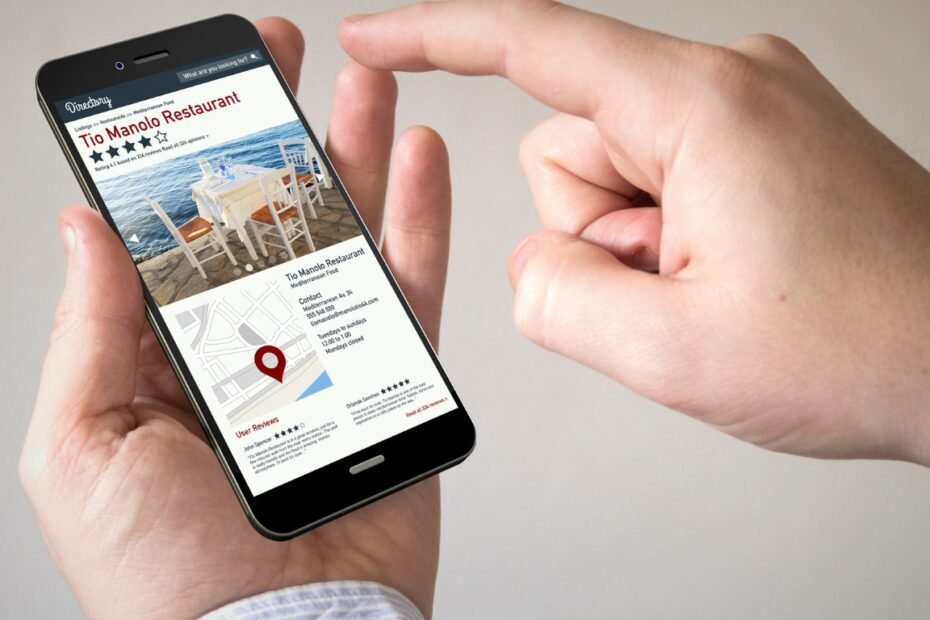
Free Business Listing Options for Australian Businesses
The following providers describe free basic listing or claiming options on their own websites. Acceptance, available features and paid extras depend on the platform.
1. Yellow Pages Australia
Yellow Pages offers a free business listing with core business and contact information. Its provider information says the listing can also appear on Whereis. Paid advertising upgrades are separate; search for an existing profile before creating another one.
2. Yelp
Claiming a Yelp business page is free. Claiming lets the business manage its page and does not mean it has purchased advertising. Check the platform’s current business eligibility and profile requirements.
3. Localsearch
Localsearch describes a free basic listing alongside paid featured tiers. Use the free option as your starting point if it suits your business, and compare any additional package against your actual needs.
4. ZipLeaf Australia
ZipLeaf Australia offers free business listings with a company profile, services and contact details. This is the Australian listing page; use its current address rather than an old directory URL.
Check Paid Services and Changed Platforms
A site that is free for customers to browse may charge businesses for advertising, subscriptions or job leads. Service.com.au explains its membership pricing, so check the available plan rather than assuming every feature is free.
Oneflare’s former address now redirects to Airtasker, so it is no longer included in this free-directory shortlist. iGlobal advertises paid listing plans and is also excluded from the free shortlist.
Check a listing before signing up
1. Existing profile
Search for the business before adding a duplicate.
2. Relevance
Check the categories and area covered.
3. Price
Separate basic listings from paid upgrades.
4. Maintenance
Keep access and renewal details recorded.
Choose Directories That Fit Your Business
For a trade or service business, look for relevant categories and customers in the areas you actually serve. A useful local chamber or industry association can also be worth investigating where membership suits your business. A few complete, relevant profiles are easier to maintain than a long list of neglected entries. Listings can provide discovery and referral opportunities; they do not guarantee Google rankings or enquiries.
Can an online-only business use every directory?
No. Check each platform’s eligibility rules before creating a profile. Some directories accept businesses that serve customers remotely, while others require a public business location or in-person customer contact. Describe how the business actually operates and use only genuine locations.
Google Business Profile has its own rules: businesses generally need in-person customer contact, and online-only businesses are ineligible. Read Google’s business eligibility guidance before assuming a profile is suitable.
Do directory listings guarantee AI citations?
No. A public, accurate listing can give people and search services another source for your business name, services and website address, but the platform decides which sources to retrieve and cite. Prioritise relevant profiles, genuine work examples and consistent facts rather than buying a large number of low-quality listings.
Keep Every Listing Consistent
- Search for your existing listing and claim or update it before adding a duplicate.
- Use your real business name, current phone number and correct website address.
- Describe your actual service areas and choose accurate categories.
- Keep opening hours, descriptions and genuine project photos current.
- Record which profiles you manage and review outdated details periodically.
After updating a listing, open it as a visitor and test the website and contact links. Keep a record of the profiles you control and review them when business details change.
Author
Blair Rouxelle owns Easy Flow Web Design in Lithgow NSW and builds WordPress websites for small businesses across Australia and US healthcare practices. His work includes service websites, online stores and booking websites. He writes about practical website planning, local search and making enquiries easier. Read more about Blair and view his website projects.
