

A mobile-friendly website helps a Bathurst trade customer understand your services and contact you without extra work. That can matter whether someone is planning a renovation, comparing contractors or looking for help with a specific job.
Before adding more features, open your website on a phone and try to use it as a new customer would.
Make the first screen clear
State the service you provide and the area you cover. A clear heading, a short explanation and a contact option are more useful than a large image with tiny text inside it.
Only advertise emergency or after-hours work if you provide it. Show your actual availability or explain how customers can check it, rather than leaving them to assume someone is available around the clock.
Make contacting you straightforward
A phone number that can be tapped is useful for customers who prefer to call. If you cannot answer while working, explain the alternative: a callback request, a short quote form or another contact method you monitor.
Keep forms focused. For a trade enquiry, useful fields might include the customer’s contact details, job location and a brief description. Ask only for information you will use to assess the job or respond.
Show work that helps someone assess the service
Real project photos and clear descriptions can explain the type of work you do. Add a caption describing the project or service rather than expecting a visitor to work it out from the image alone.
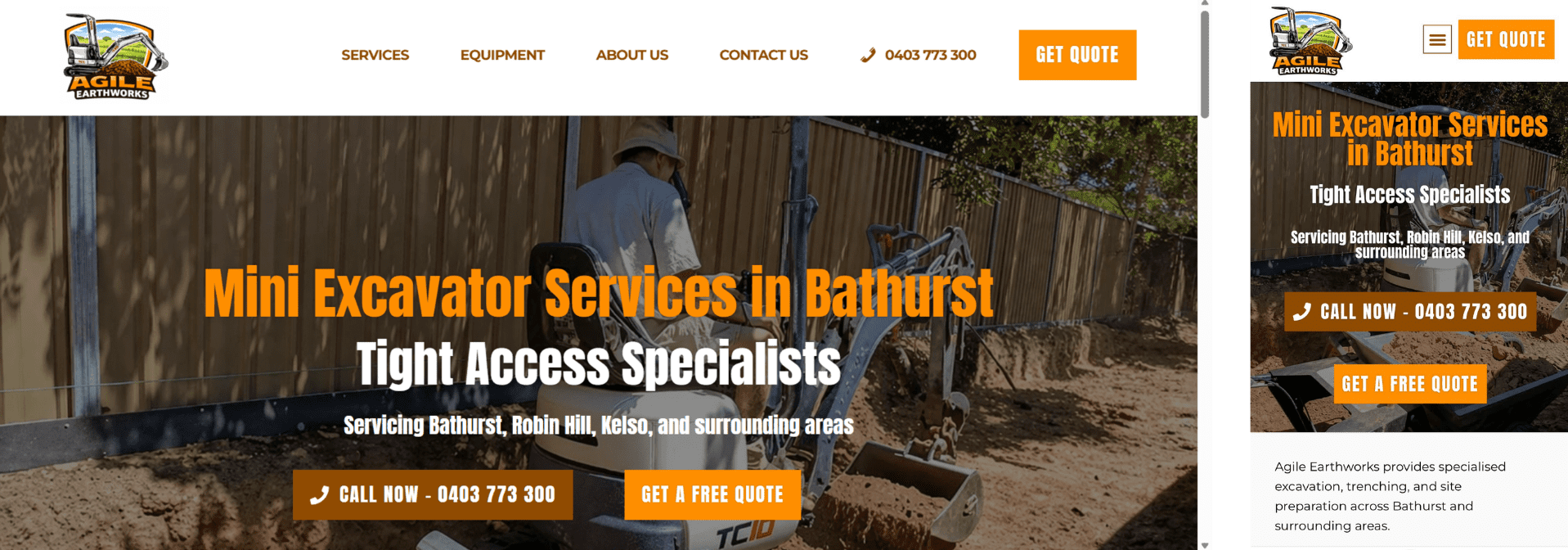
The Agile Earthworks example presents a Bathurst business and its equipment-based services. It is one way to show customers the kind of work a business handles; the right content for your trade may be different.
Keep trust information relevant and current
Where relevant, include your current licence information, genuine reviews and other details customers need to check. Only use memberships, badges and claims that apply to your business.
Explain your service area naturally, including any limits or travel arrangements that affect a booking. Keep the phone number and website address consistent with your business listings.
Check what happens after someone enquires
Test the phone link and send a form enquiry when you can check the receiving inbox. Review the on-screen confirmation and make sure the message arrives with enough information to respond.
After that, check whether the form is easy to complete with the phone keyboard open. Labels should stay readable, and the submit button should be easy to reach.
A simple review checklist
- The opening heading clearly describes your trade.
- Services and genuine coverage areas are easy to find.
- Project images and text fit the phone screen.
- Calling or requesting a quote takes only a few clear steps.
- Form messages reach the inbox you monitor.
If you would like help with the changes you find, the Bathurst website design page includes local examples and a way to discuss your site with Blair.
