
A usable mental health practice website helps people find information and complete the intended task. Plan readability, navigation and accessibility early, then test the actual pages and forms.
Give the content a predictable structure
Use descriptive headings and familiar menu labels. Keep practitioner details, service information and appointment instructions easy to locate. Avoid repeating whole sections or scattering related information across several pages.
Explain specialist terms where needed and keep paragraphs focused. The practice should review the wording for accuracy before publication.
Review the controls people use
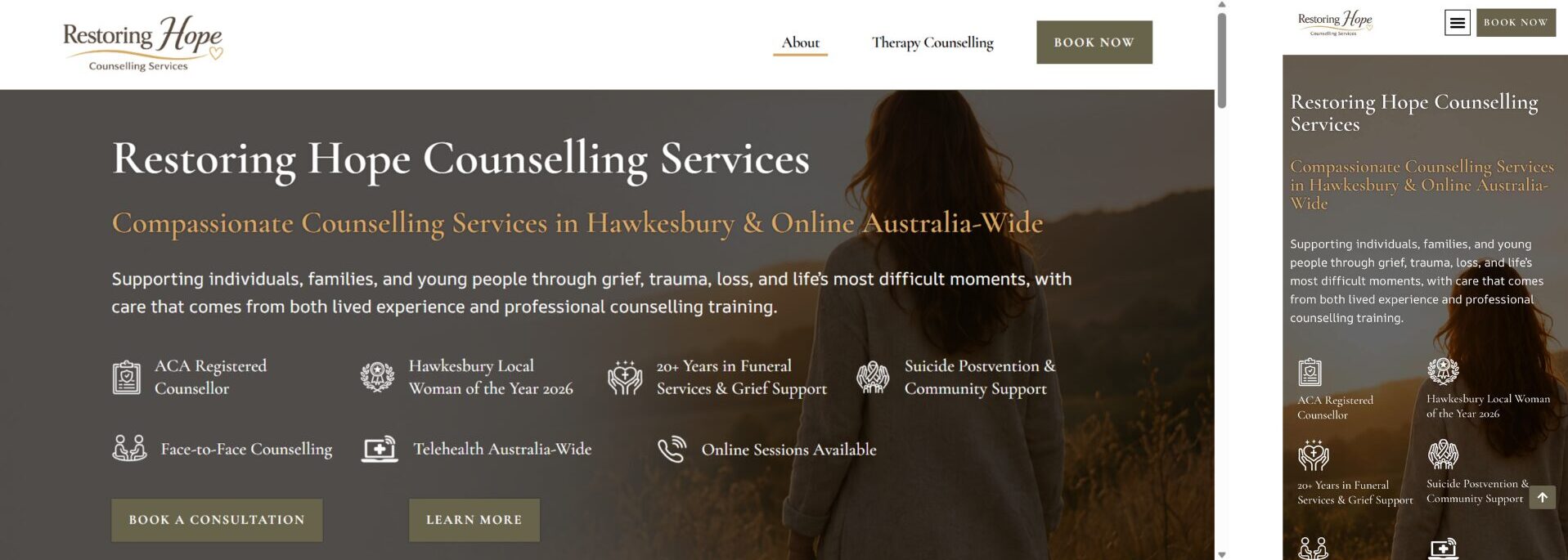
Check menu links, buttons, form labels and error messages. Use wording that explains the action or destination. Follow the page with a keyboard and check that the current focus is visible.
Review colour contrast and text readability, including when the page is enlarged. Images that convey information need appropriate text alternatives, while decorative imagery should not interrupt the reading order.
Review the important tasks
1. Find
Can visitors locate services and practitioner details?
2. Read
Are headings, text and image explanations useful?
3. Navigate
Can the menu and controls be used with a keyboard?
4. Complete
Can visitors understand and finish the contact route?
Keep forms appropriate to their purpose
Label fields clearly, identify required information and explain errors in plain language. Keep general enquiries separate from specialist clinical or patient-portal workflows agreed with the practice.
Do not add a chatbot, community forum or other interactive feature simply to make the page feel modern. Define its purpose, responsibilities and suitability before considering it.
Combine tools and human review
Automated checks can identify some issues. They do not establish that a website meets accessibility standards on their own. Use the W3C evaluation resources to plan appropriate checks and further assessment.
Review after changes
A new menu, form, plugin or content update can change the experience. Recheck the important tasks after substantial edits and keep a record of issues and fixes. A calm visual style can support readability, but appearance alone is not evidence of accessibility.
